
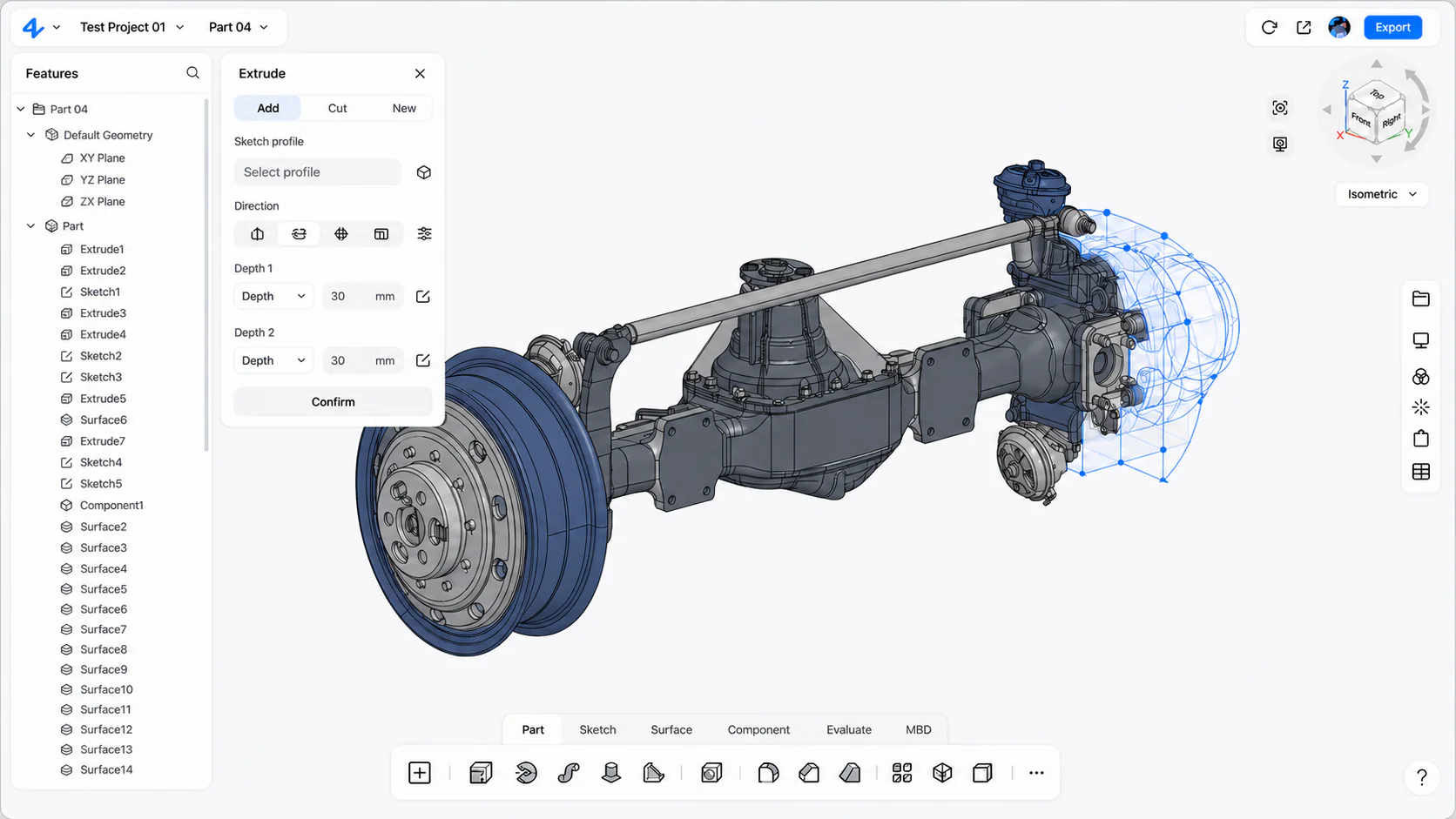
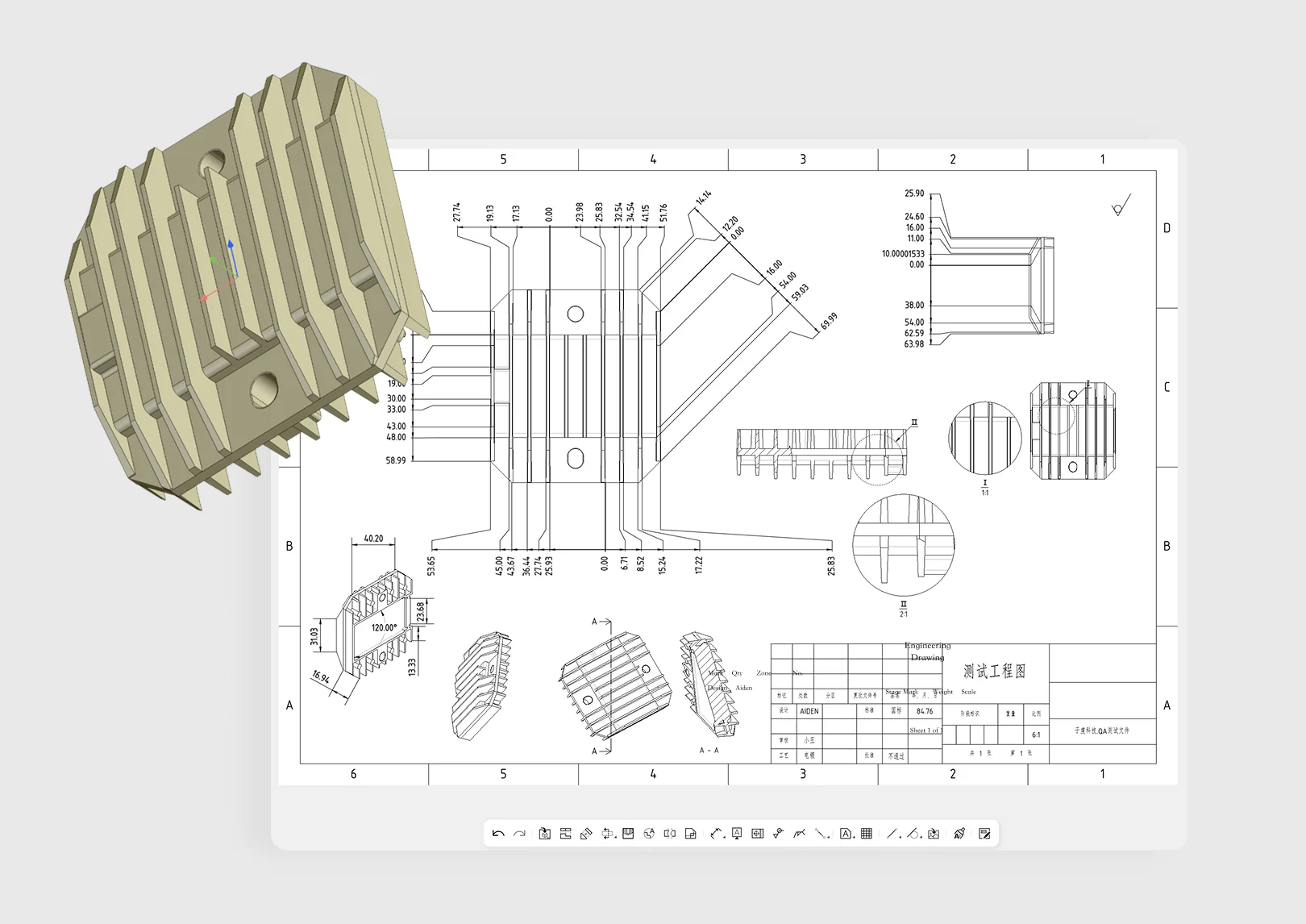
Product documentation
Use the Help Center for setup, modeling guidance, file workflows, and common questions.
zCAD / zCAD.AI
Use zCAD.AI through its visual Web app, or bring it into terminal and agent workflows through zCAD Skill. These are two interfaces for zCAD.AI; zCAD.Online remains a separate zCAD product.
zCAD.AI / Two interfaces
Use the zCAD.AI Web app for a visual browser workspace, or use zCAD Skill to bring the same product direction into CLI and agent workflows. zCAD.Online remains a separate zCAD product.
01 / Web
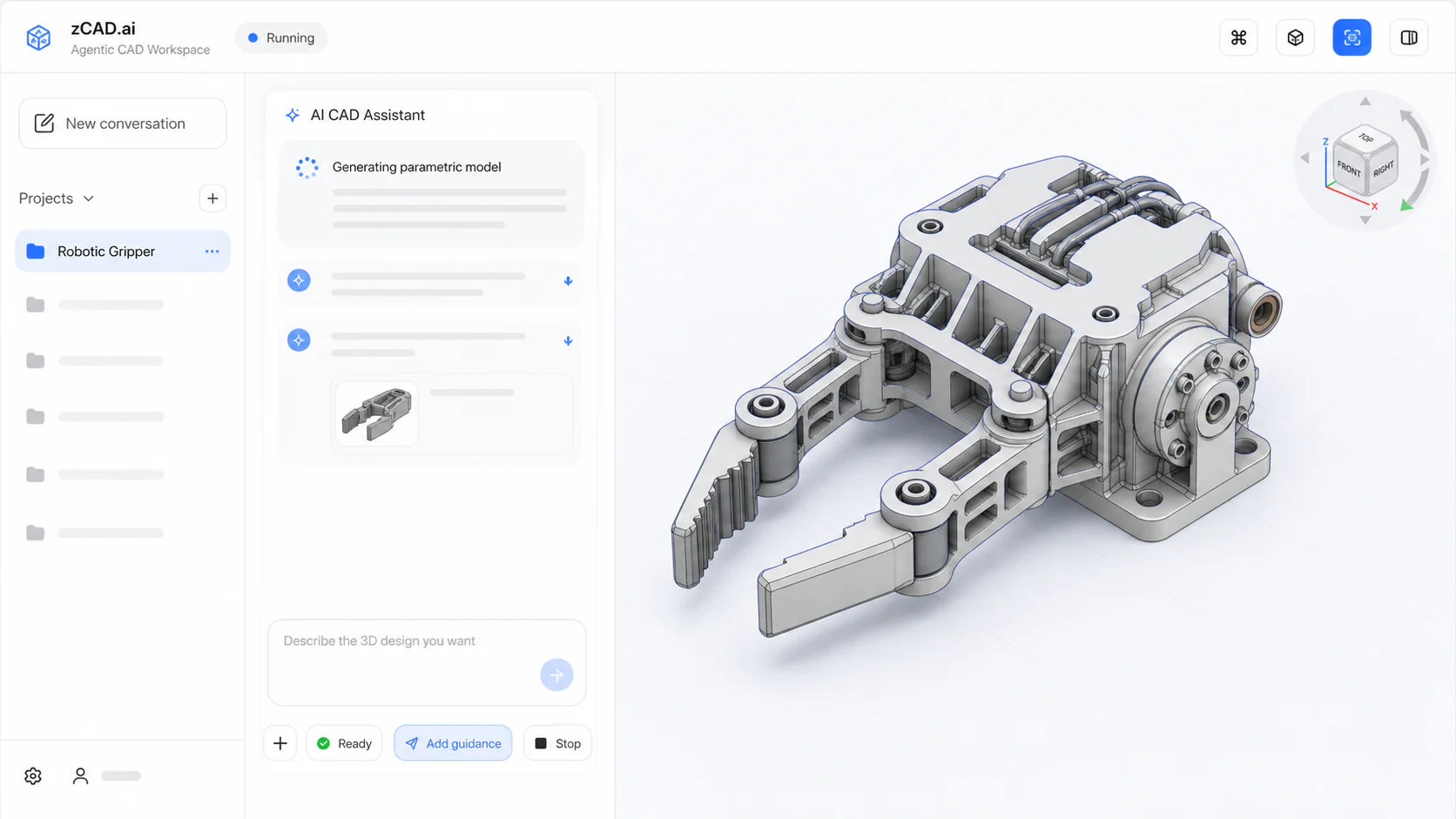
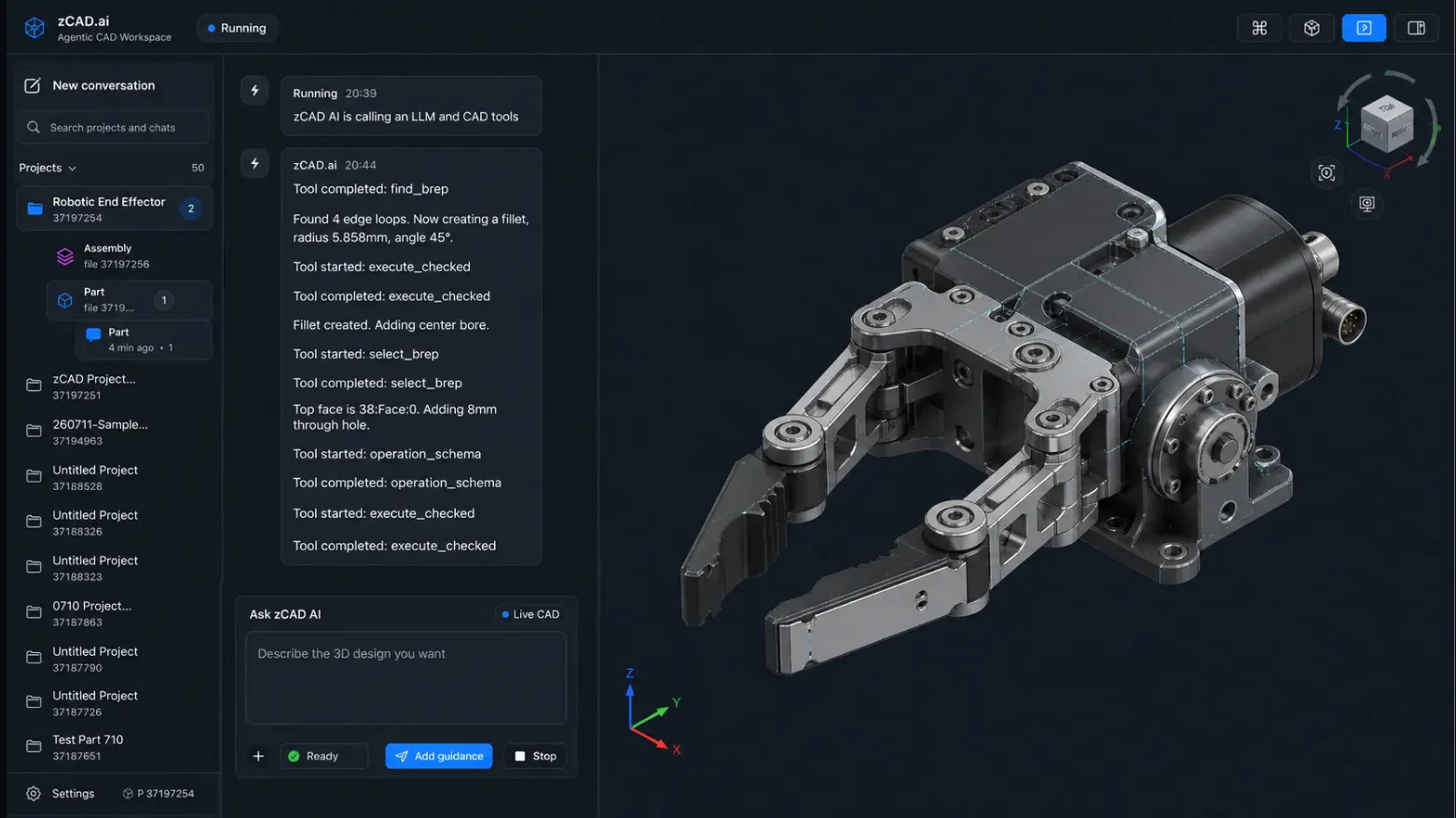
Describe, inspect, and revise a model through the browser workspace and its visual AI session.
Open Web app02 / CLI
Use zCAD.AI from a terminal or compatible agent workflow through the planned Skill interface.
Explore zCAD SkillWhy AI CAD modeling
The Web app provides the visual modeling workspace. zCAD Skill is the planned CLI interface for agents and developer workflows. The current experiences remain product previews rather than connected production services.
Use zCAD.AI in a browser workspace with a visual model canvas and continuous AI session.
Use the planned CLI interface to bring zCAD.AI into terminal and compatible agent workflows.
Keep the cloud CAD product distinct: zCAD.Online is a separate product line under the zCAD brand.
Interactive preview
Begin visually in the Web app or from an agent workflow through zCAD Skill, then move through the same prompt, planning, modeling, and revision idea.
Open the zCAD.AI Web app or enter through the planned zCAD Skill CLI workflow.
Write the modeling intent in the browser session or pass it through the agent workflow.
Inspect the proposed feature plan and model result through the chosen zCAD.AI interface.
Keep the next change connected to the same modeling intent while respecting the current preview boundaries.
Product status
The preview makes the proposed experience tangible while leaving unconfirmed technical and commercial claims out of the product story.
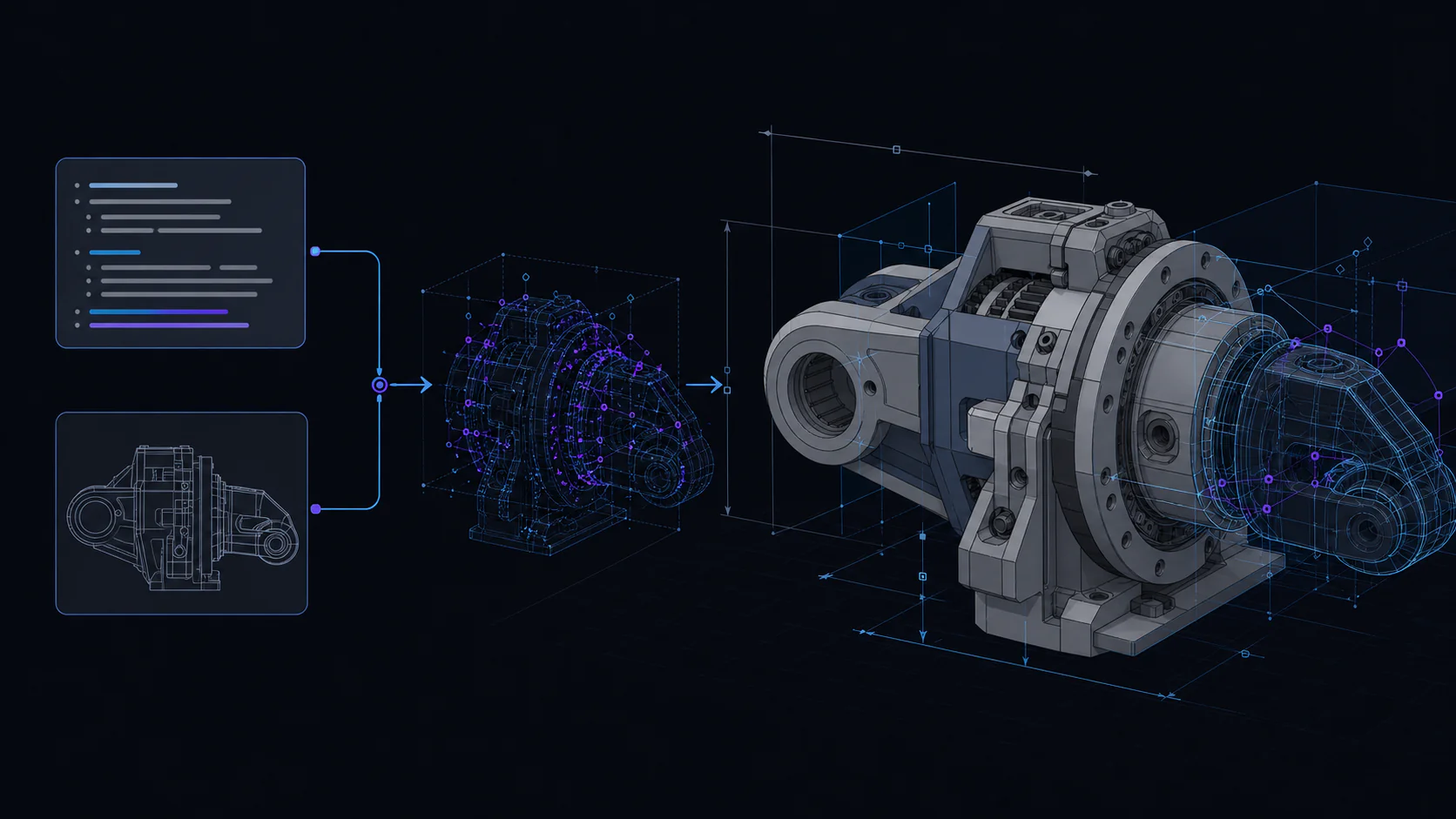
Explore how a modeling request can move from written intent to constrained, editable geometry in the proposed zCAD.AI workflow.
Decision status
The online preview and the future production product are intentionally separated so access today does not imply unsupported capabilities.
Explore the current browser interaction without an account or installation.
See exactly what is simulated and what is not connected in the current session.
Evaluate production scope after product and engineering owners publish verified details.
Choose self-serve product guidance or reach the team when your project needs direct technical assistance.
Use the Help Center for setup, modeling guidance, file workflows, and common questions.
Contact zCAD when a file, account, or product workflow needs direct assistance.
Open the interactive preview now. Production generation, accounts, saved projects, and commercial access are not connected yet.