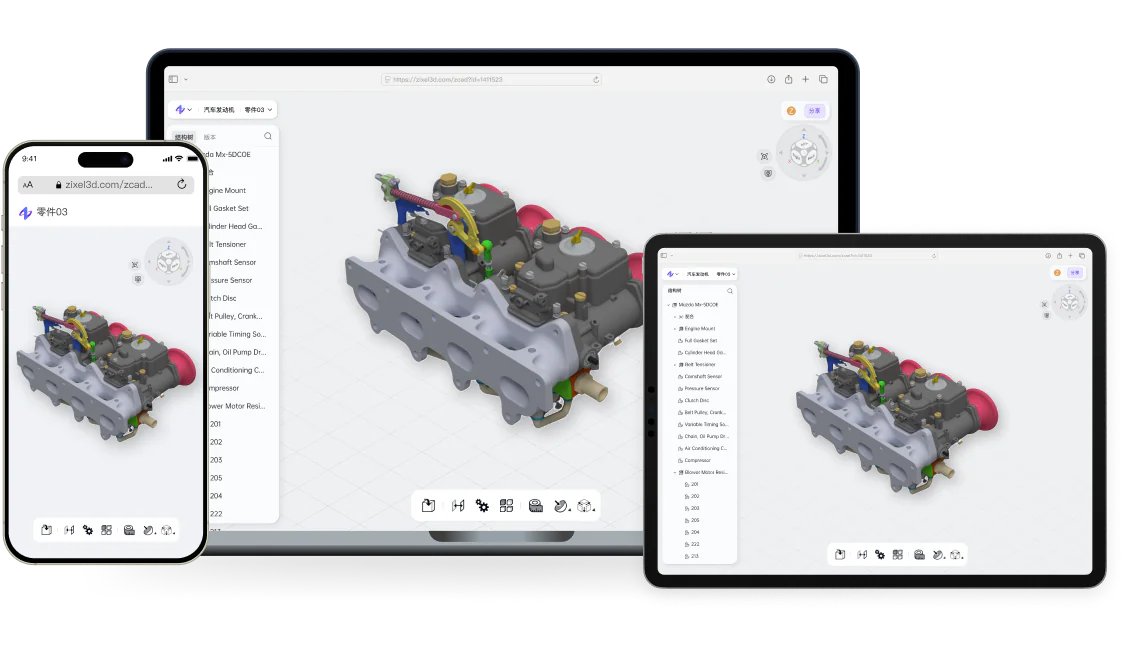
zCAD.Online running in a web browser across phone, laptop, and tablet with the same collaborative 3D CAD model

zCAD.Online / Cloud-native 3D CAD

Cloud-native 3D CAD software for mechanical design.

Create precise parametric parts, large assemblies, specialized geometry, and engineering drawings in your browser—then review, version, and collaborate around the same live product model.

Start designing online
  • Professional parametric modeling
  • Large assemblies and engineering drawings
  • Real-time collaboration and version control

Design, document, and review the product in one cloud CAD workspace.

Traditional CAD workflows separate modeling, file management, and review. zCAD.Online keeps precise mechanical design, product structure, automatic saving, versions, and team feedback connected to one current model.

Professional parametric CAD

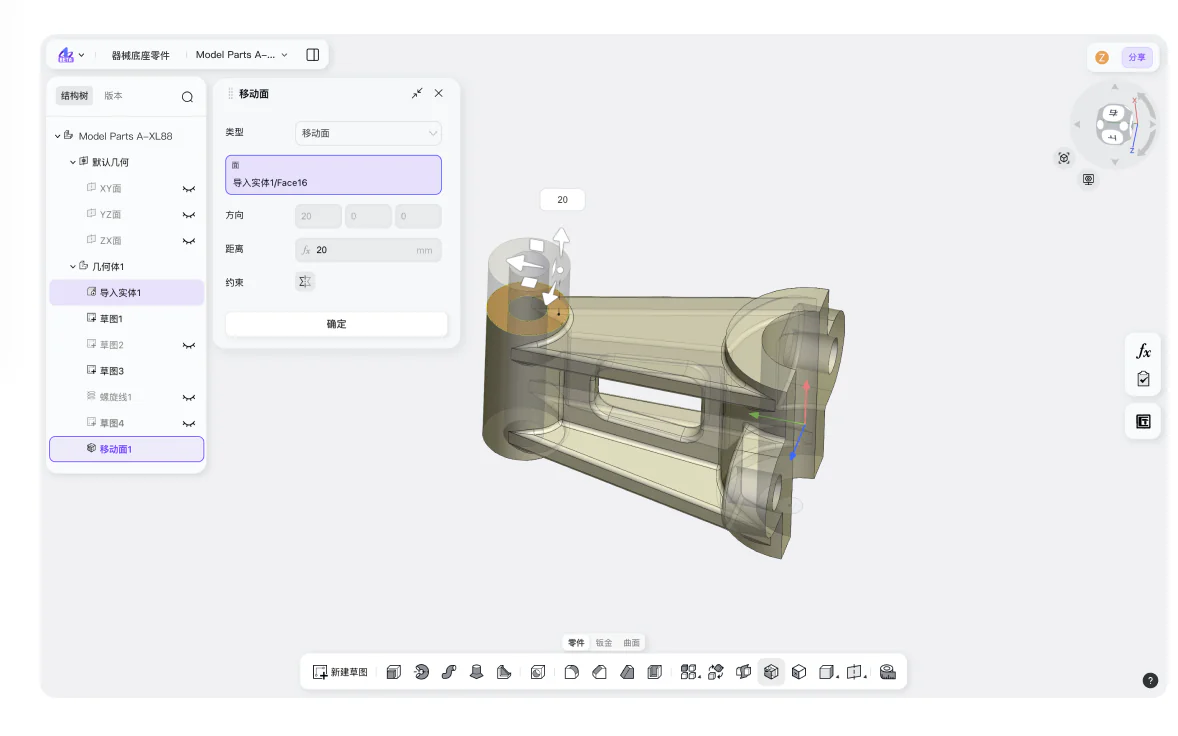
Build precise feature-based geometry with dimensions, constraints, references, and editable design history in a modern browser.

Scale from parts to large assemblies

Develop individual components, complex product structures, sheet metal, weldments, surfaces, and model-linked drawings on the same design path.

Cloud collaboration by default

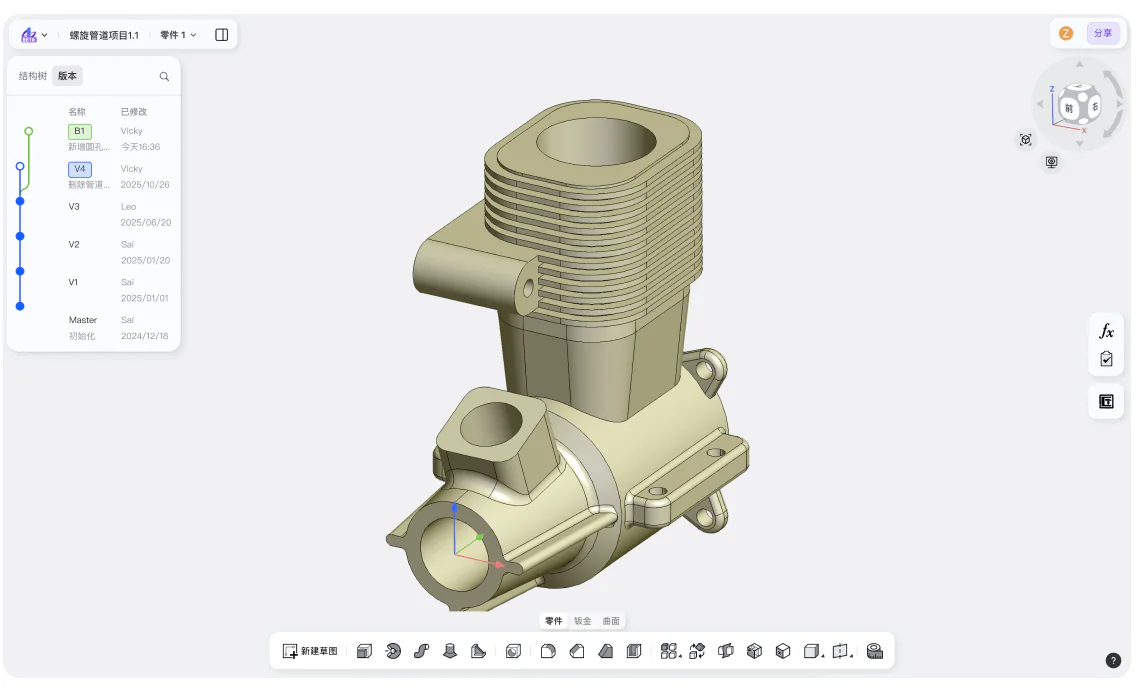
Keep simultaneous editing, automatic saving, version history, permissions, comments, and design review attached to the current project.

From first feature to engineering handoff—without file-copy friction.

Start from a blank model or imported CAD. Develop the product, create its documentation, review changes with the team, and deliver supported engineering formats from one connected workflow.

  1. 01

    Create or import

    Start a parametric model or bring existing CAD into the browser workspace.

  2. 02

    Develop the product

    Build precise parts, multi-level assemblies, sheet metal, weldments, surfaces, and related product geometry.

  3. 03

    Document the design

    Create model-linked engineering drawings, dimensions, annotations, and manufacturing information.

  4. 04

    Review and collaborate

    Share the current model, collect contextual feedback, compare versions, and review changes with the team.

  5. 05

    Deliver

    Export the supported CAD, drawing, or STL format required for the next engineering or manufacturing step.

Mechanical CAD tools for the complete product-design workflow.

Move from controlled geometry to complex product structure, manufacturing documentation, and collaborative review without separating the model from its engineering context.

01 / 03

Precise parametric parts and large assemblies

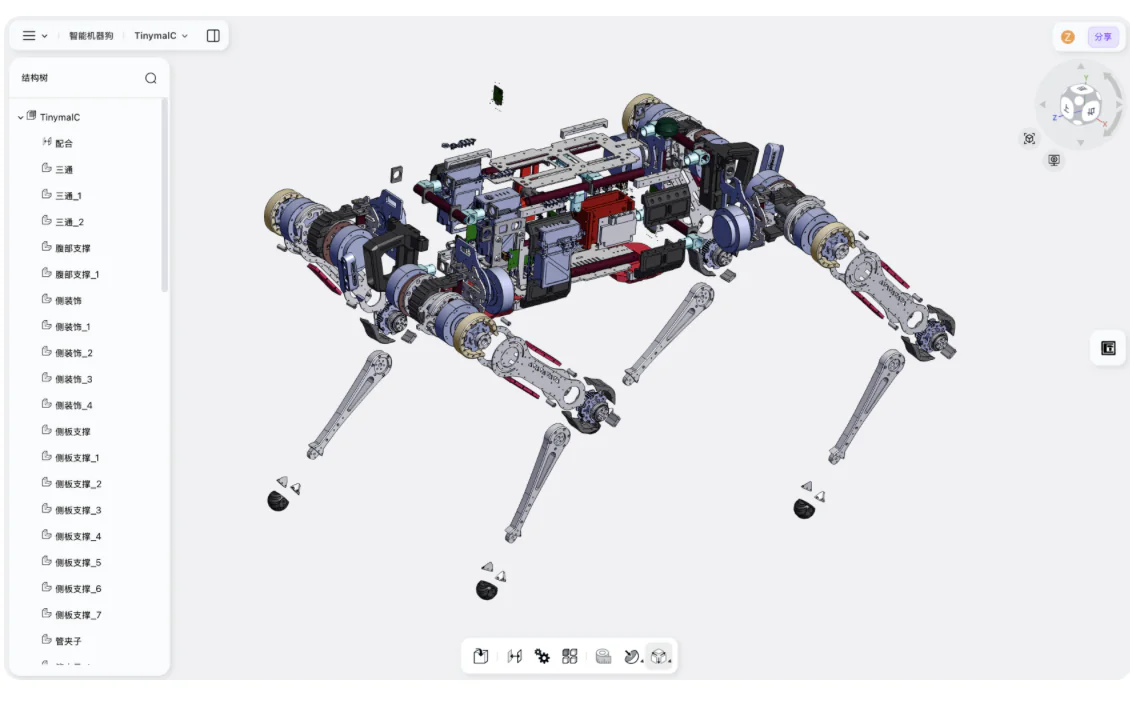
Create feature-based parts and multi-level assemblies with controlled dimensions, constraints, component relationships, and reusable design intent.

  • Dimension- and constraint-driven features
  • Multi-level assembly structures
  • Editable feature and design history
zCAD.Online workspace showing the exploded structure of a complex quadruped robot assembly

One cloud CAD platform for design, documentation, and collaboration.

The complete mechanical-design workflow stays organized around one editable, version-controlled product definition.

Design

Create controlled mechanical geometry and scalable product structures.

  • Parametric part modeling
  • Large assemblies
  • Sheet metal and weldments
  • Advanced and freeform surfaces

Document

Prepare the model for manufacturing communication and downstream handoff.

  • Engineering drawings
  • Dimensions and annotations
  • Multi-format CAD exchange
  • Built-in standard parts

Collaborate

Keep the latest design, decisions, and review context available to the right people.

  • Simultaneous editing
  • Automatic cloud saving
  • Version history and rollback
  • Permissions, comments, sharing, and review

Help and support

Choose self-serve product guidance or reach the team when your project needs direct technical assistance.

Product documentation

Use the Help Center for setup, modeling guidance, file workflows, and common questions.

Technical support

Contact zCAD when a file, account, or product workflow needs direct assistance.

Open Help Center

Common questions

Start designing in the browser.

Create precise parametric models, engineering drawings, versions, and reviews in one cloud-native CAD workspace.