
Slow first geometry
Requirements and references still need to become a structured model before detailed engineering can begin.

Parametric CAD creation and configuration
Create editable parametric CAD from requirements, existing geometry, or a blank project—then configure parts, assemblies, and product variants from one reusable design definition.
Editable parametric CAD
Parametric product structure
Configurable engineering output
Workflow friction
Concepts, imported files, and previous models often enter engineering as disconnected references. A useful creation workflow preserves editable intent and turns repeated decisions into reusable structure.
Requirements and references still need to become a structured model before detailed engineering can begin.
Similar sizes and options are rebuilt manually when dimensions and product rules are not reusable.
Physical feedback is harder to apply when the editable source and exported result drift apart.
Intent to configuration
Each step turns a reference or requirement into structured geometry that can support the current project and the next variant.
Start from requirements, existing CAD, a blank project, or a reusable product architecture.
Model editable features, parts, and assemblies.
Apply parameters and reusable rules to the product family or project variant.
Review the current design and export the supported result needed downstream.
Design system
Use AI or browser CAD to establish editable geometry, then develop the part, assembly, configuration, and prototype output from the same engineering source.
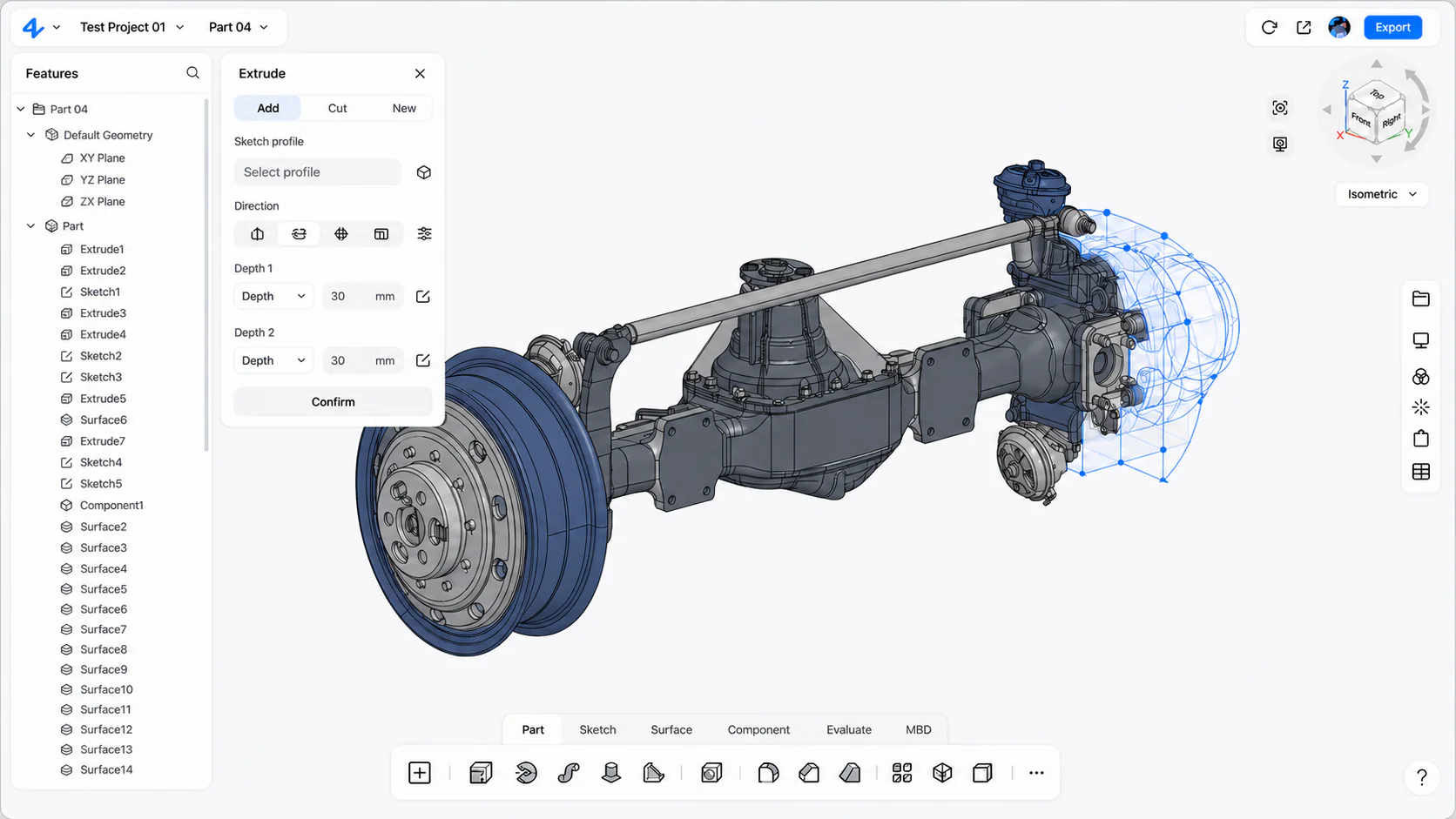
Build structured geometry with dimensions, constraints, and feature history directly in zCAD.Online.
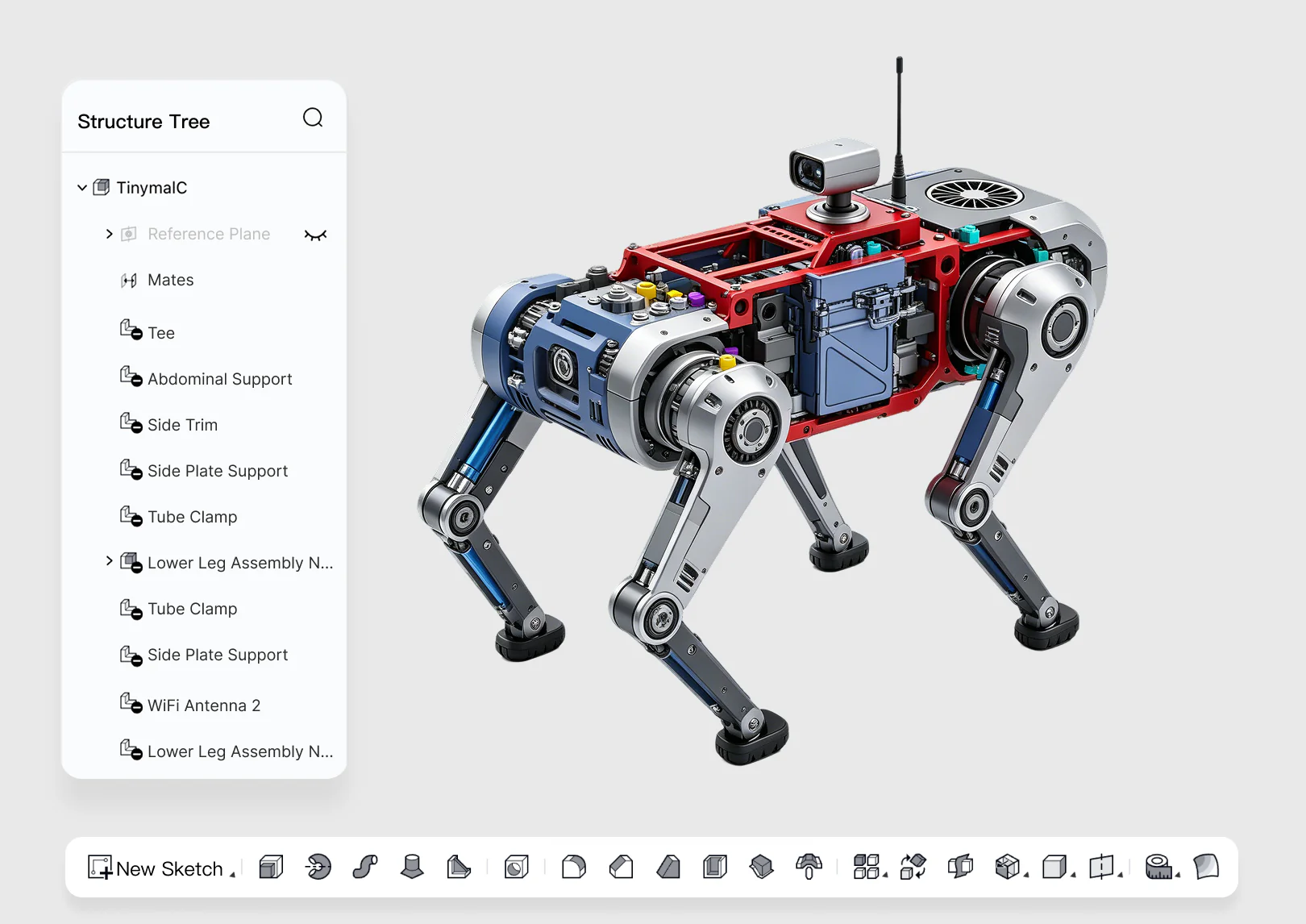
Create precise features, mechanisms, sheet metal, weldments, drawings, and multi-level product structures in the browser.
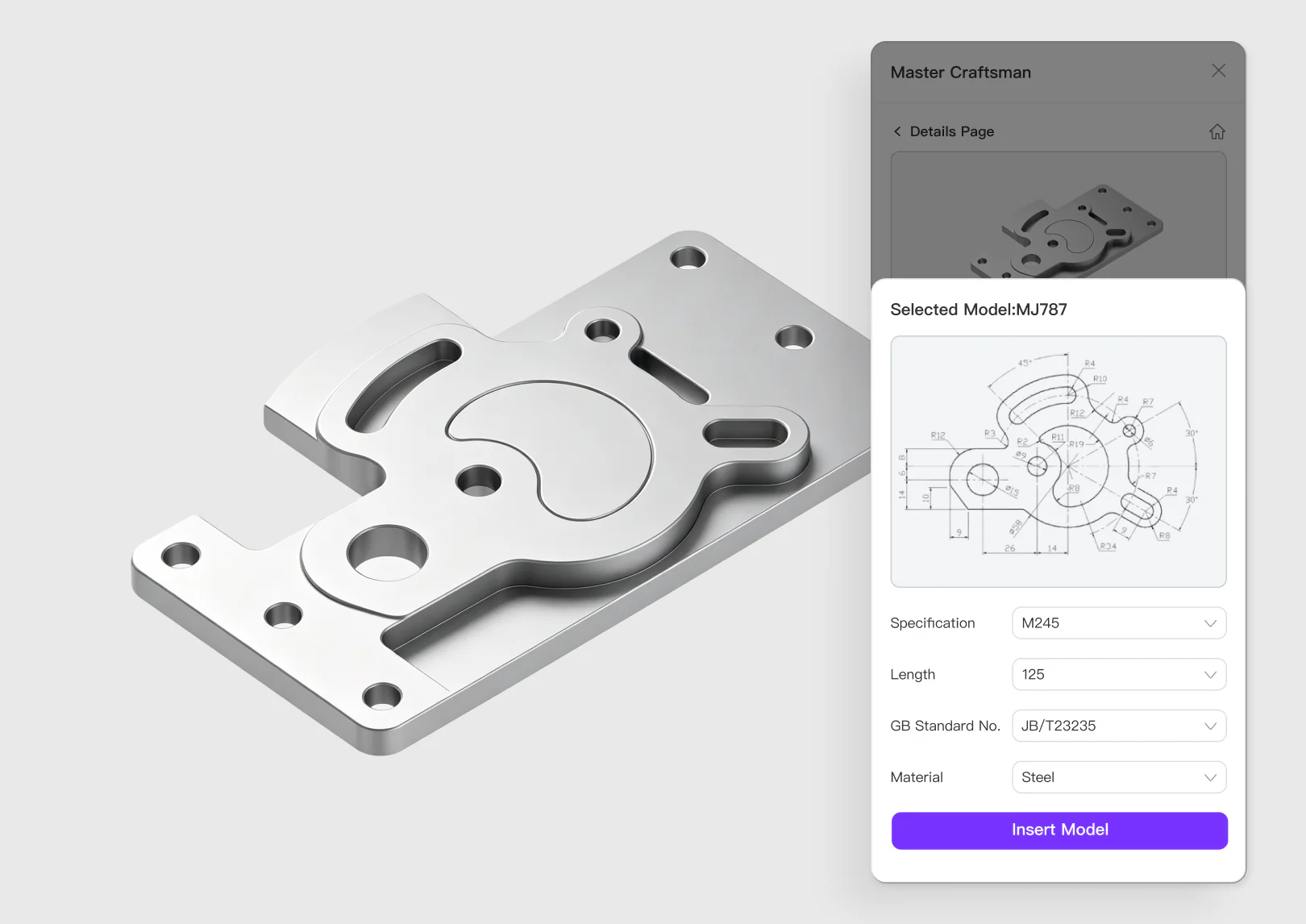
Capture dimensions and repeatable design rules for products that change by size, option, customer, or project.
Reusable design definition
Requirements, reference geometry, parameters, and product rules stay connected as teams create the first model, develop assemblies, and release project-specific configurations.
Start directly in zCAD.Online. Preserve dimensions, constraints, features, and assembly relationships as the design moves from concept to configuration, review, prototype, and engineering delivery.
Industrial design
Mechanical engineering
Product configuration
Common questions
Review product fit, data boundaries, collaboration roles, and the expected engineering handoff before you begin.
Open Help CenterReady when the project is
Generate or model the product, capture reusable intent, and continue every variant from an editable source.