
Documents follow separate timelines
The model changes first while drawings and technical content wait for manual revision.
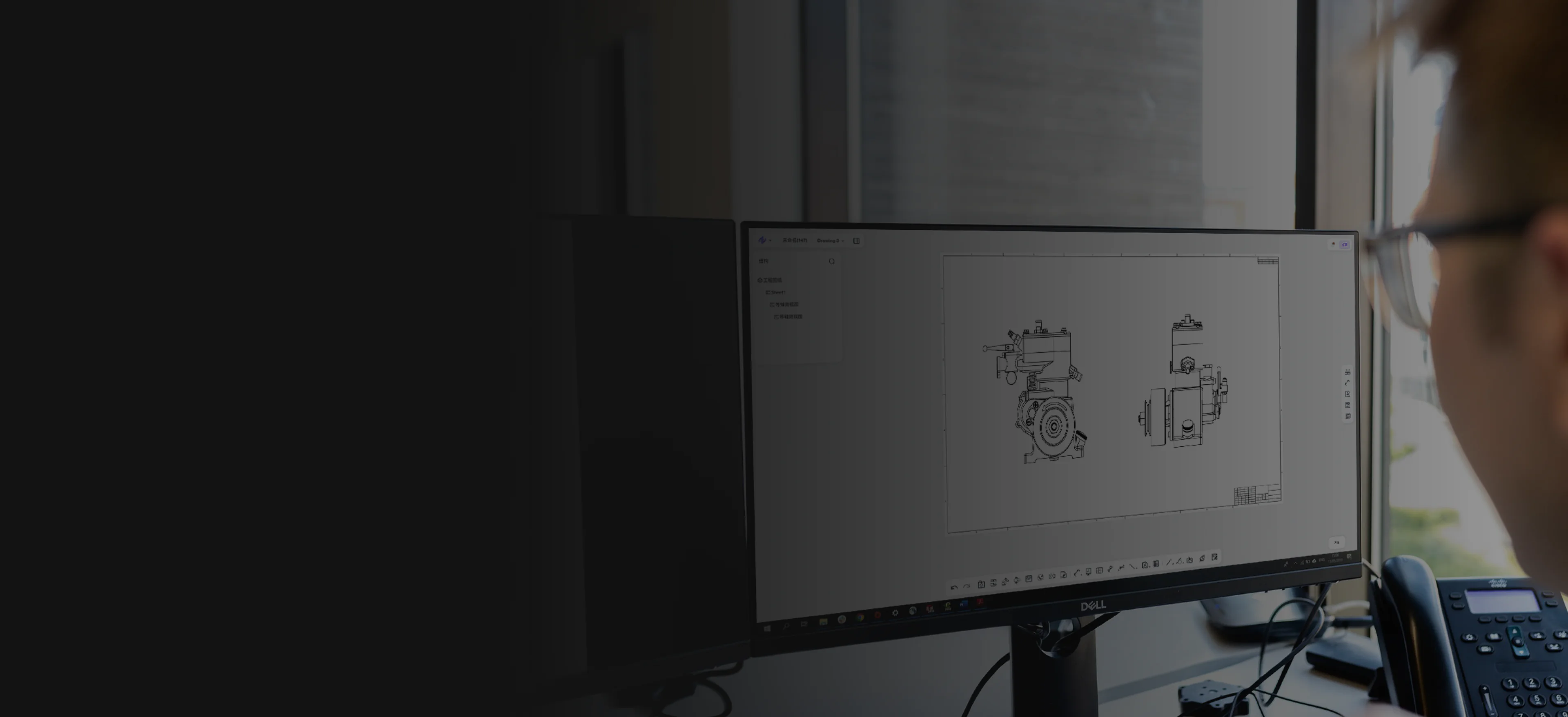
Engineering documentation and delivery
Turn approved 3D product data into model-linked drawings and supported engineering delivery formats.
Model-linked drawings
Reviewed annotations
Supported delivery output
Workflow friction
Drawings and delivery files are often reviewed separately from the source model. Every design change then creates another round of manual comparison and release risk.
The model changes first while drawings and technical content wait for manual revision.
Dimensions and notes become harder to verify when reviewers cannot see the current source geometry.
Different teams and locations receive inconsistent models, drawings, and exchange files.
Model to release
The sequence begins with the approved model, creates the required communication, and maintains it as the engineering state changes.
Begin from the current reviewed model and release context.
Build the model-linked drawing or prepare the required supported export.
Confirm the content, version, audience, and delivery format.
Deliver the supported output and update it when the source changes.
Technical output
Create model-linked drawing views, dimensions, and annotations, then review and export the supported output required downstream.
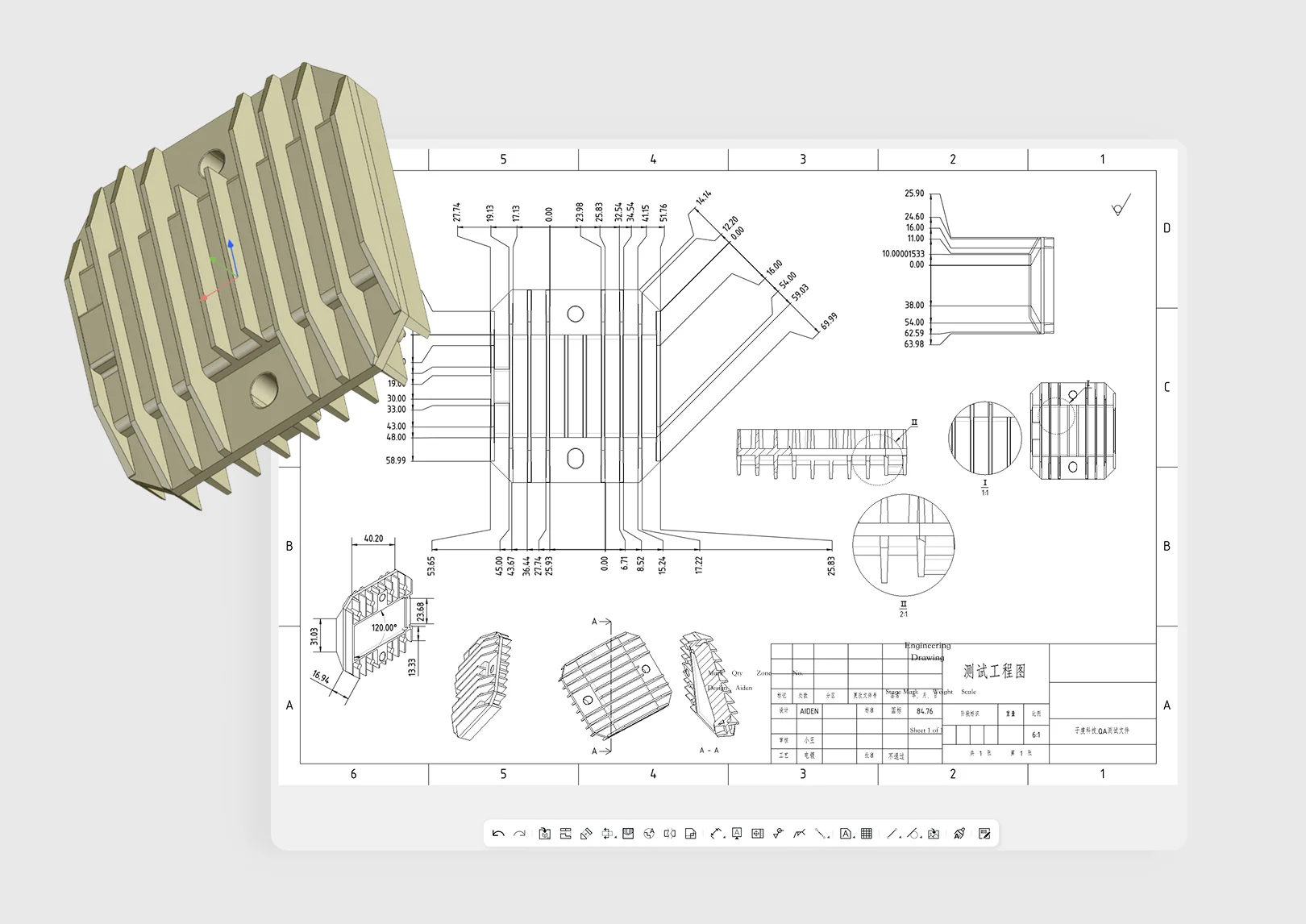
Build views, dimensions, annotations, and manufacturing information from the working 3D model.
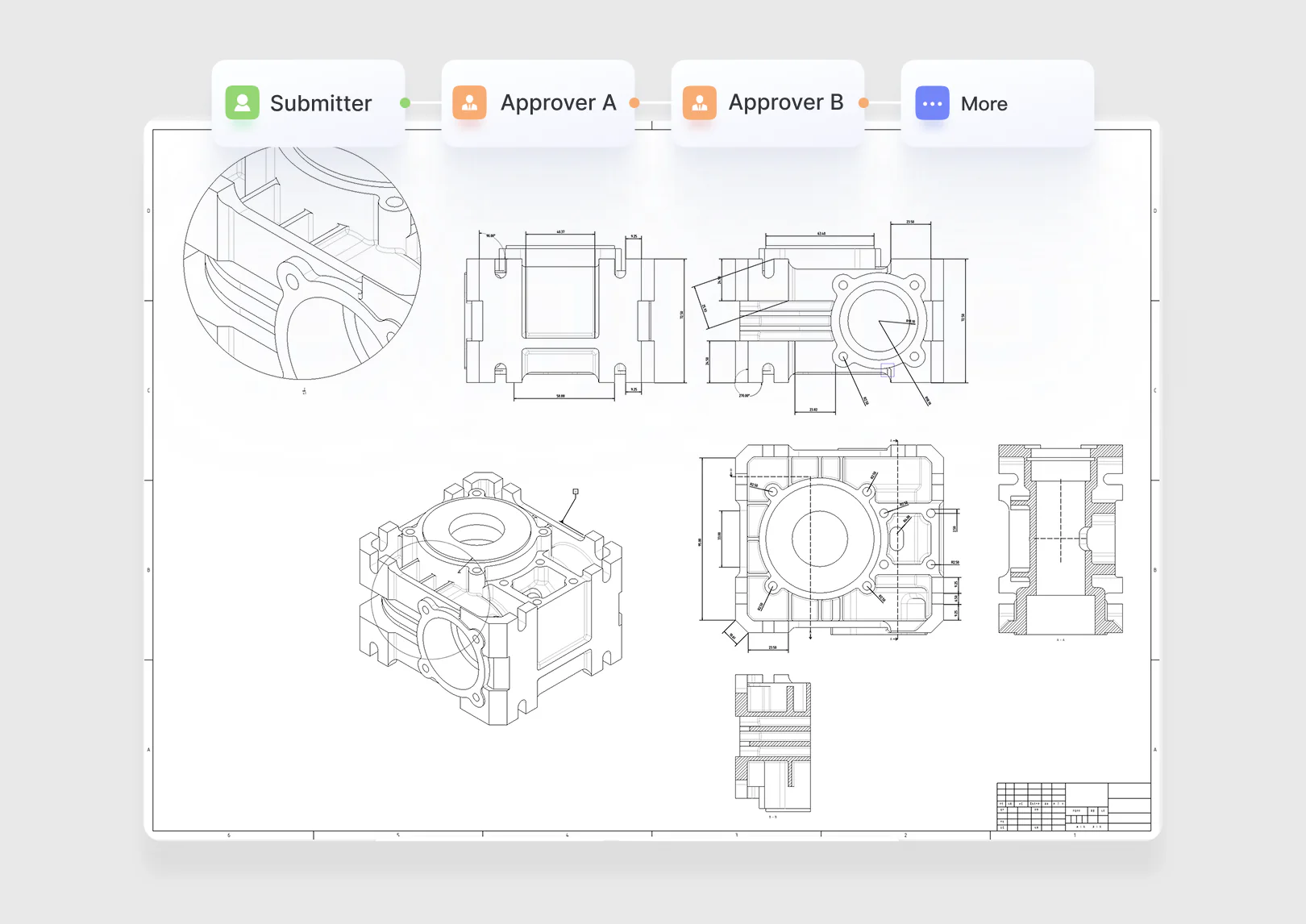
Check drawing views, dimensions, annotations, and the source model version before delivery.
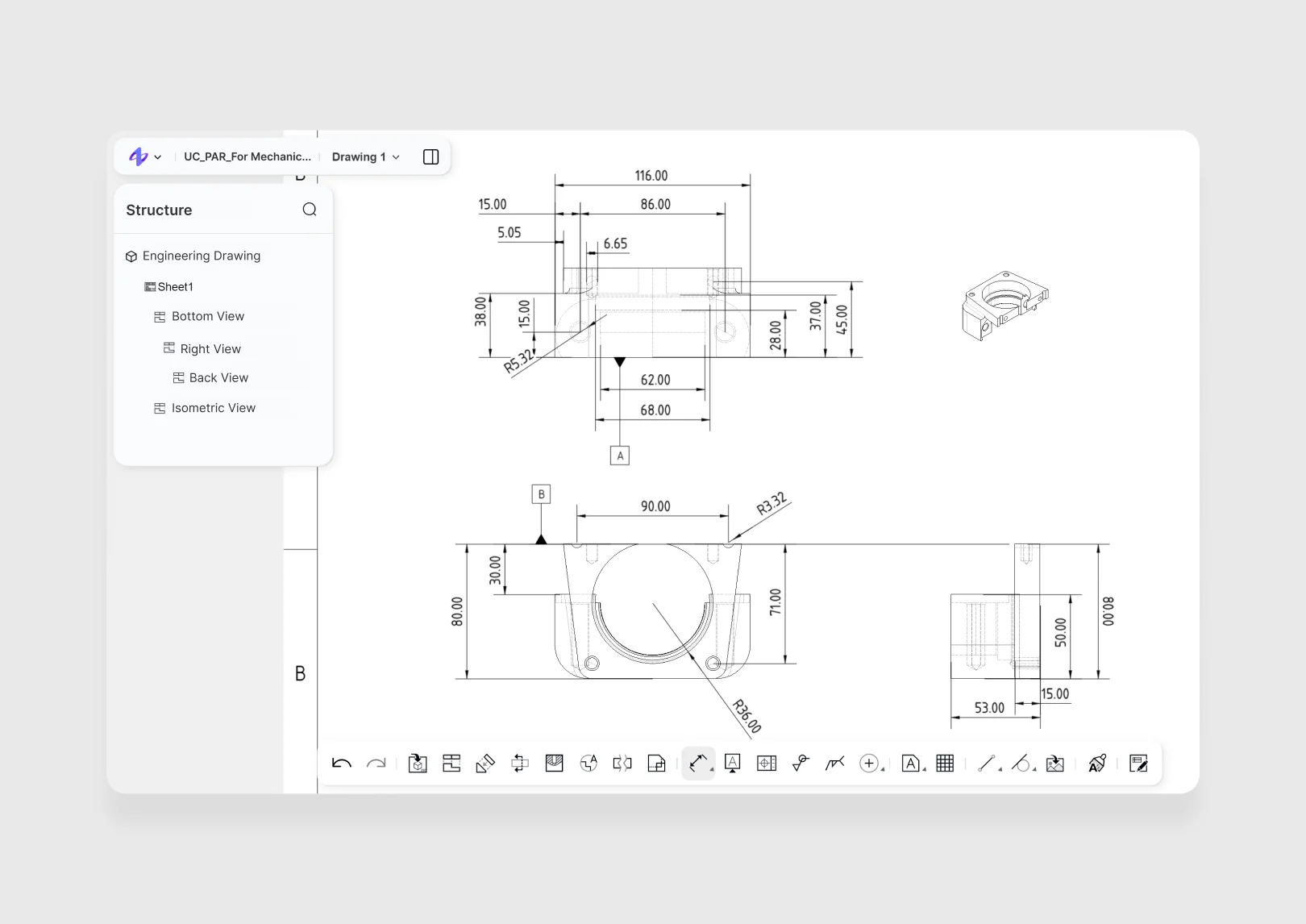
Deliver the required CAD, drawing, or exchange format for the next engineering step.
Approved communication
Drawings, illustrations, instructions, and delivery packages inherit a clear relationship to the current model so downstream teams receive consistent engineering information.
Create drawing views, dimensions, annotations, and supported exports from the current source model so downstream teams receive consistent engineering information.
Design engineering
Manufacturing engineering
Suppliers and downstream teams
Common questions
Review product fit, data boundaries, collaboration roles, and the expected engineering handoff before you begin.
Open Help CenterReady when the project is
Create drawings and supported delivery files from the current model so downstream information stays aligned with the engineering state.