
Project data is scattered
Models, drawings, documents, and decisions are divided across shared folders and personal workspaces.
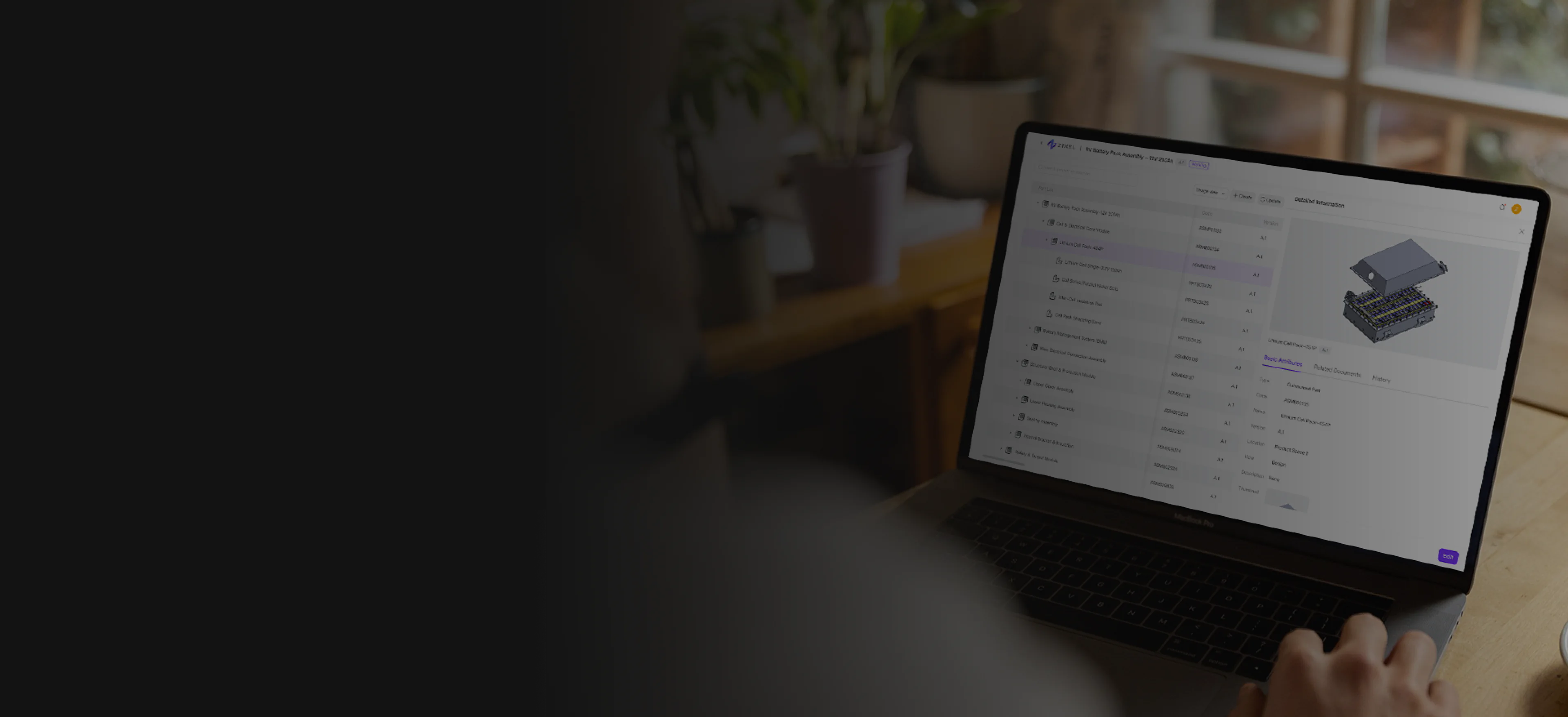
Engineering data and change management
Keep CAD projects, versions, permissions, reviews, and design changes connected to the current cloud model.
Controlled product data
Version-aware project work
Current review context
Workflow friction
Models, drawings, documents, project activity, reviews, and version decisions often move through different folders and systems. The team then spends time reconstructing which state is current and why it changed.
Models, drawings, documents, and decisions are divided across shared folders and personal workspaces.
Teams can discuss a product state without knowing which geometry, drawing, and document version it represents.
Project and review activity stalls when ownership, status, and affected information are not visible.
Change control
The sequence keeps responsibility, review, affected data, and final delivery visible as the product changes.
Bring the working models, drawings, and collaborators into the appropriate cloud project.
Apply permissions, versions, and review rules to the active data.
Capture the request, discussion, decision, and affected product context.
Share the current model, drawing, version, and supporting information.
Controlled workspace
Centralize the working information, preserve versions and access, connect change to product context, and make the current state clearer.
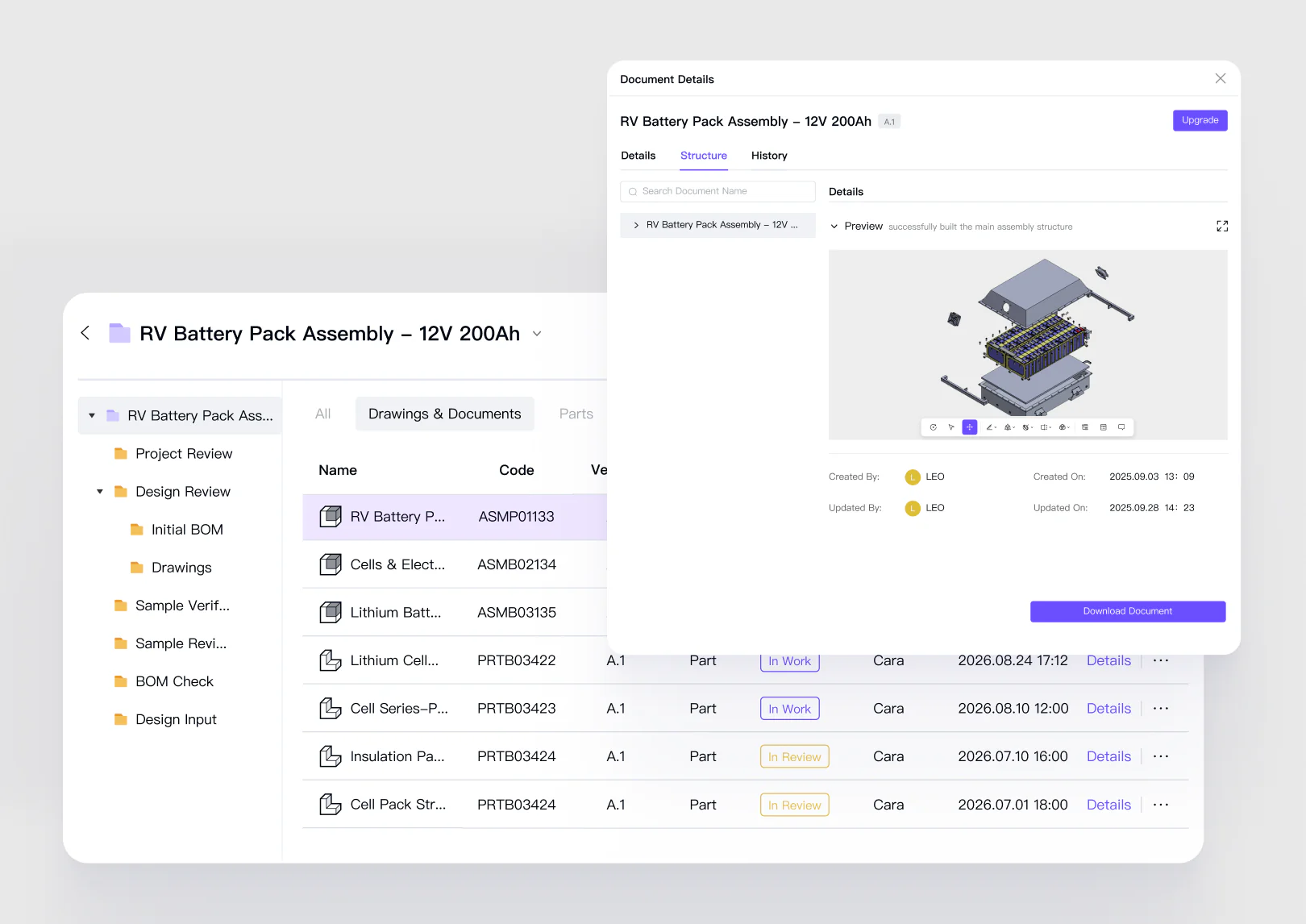
Keep models, assemblies, drawings, and review context together in the current cloud workspace.
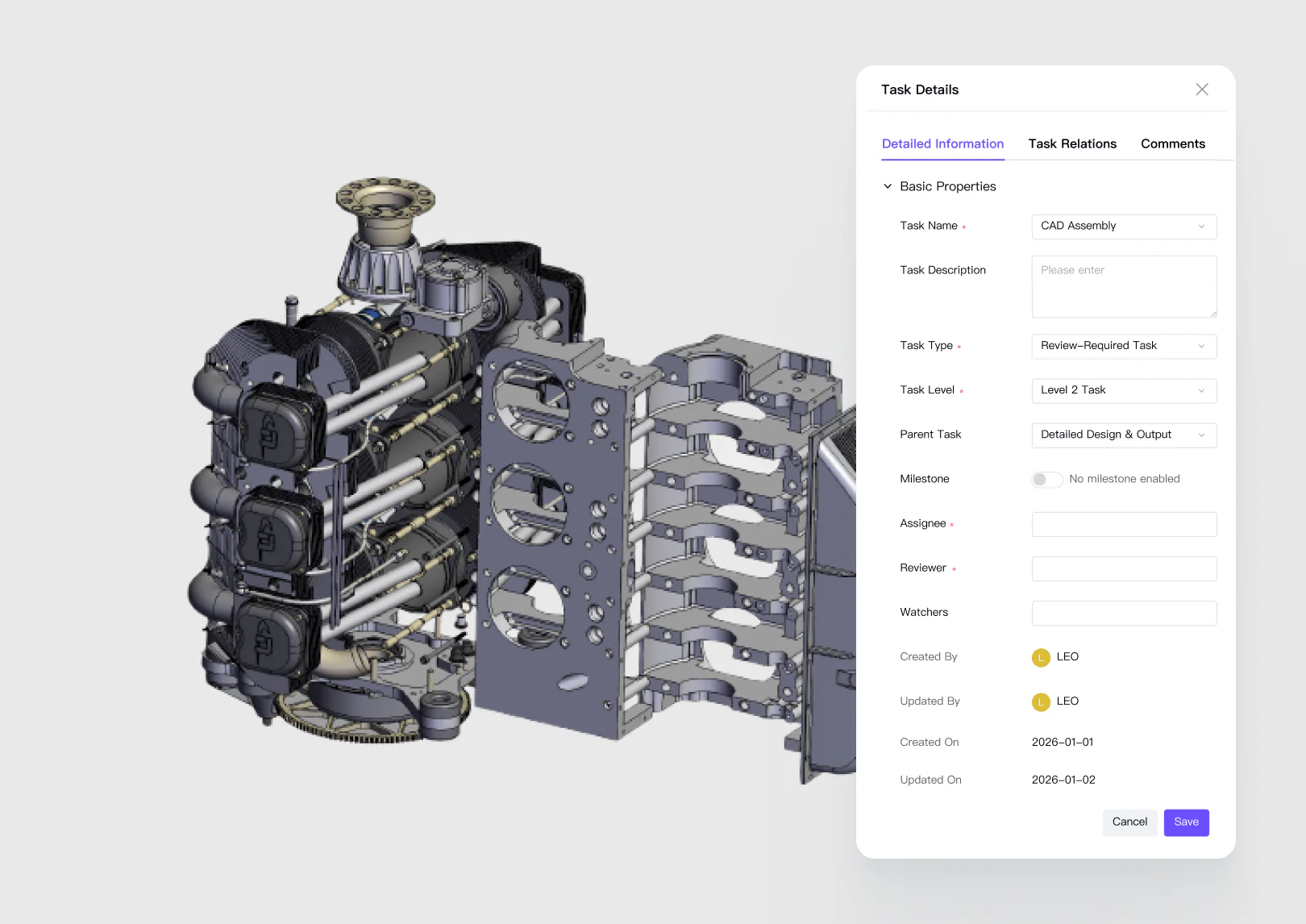
Keep a clear history of design states while controlling who can view, edit, or review them.
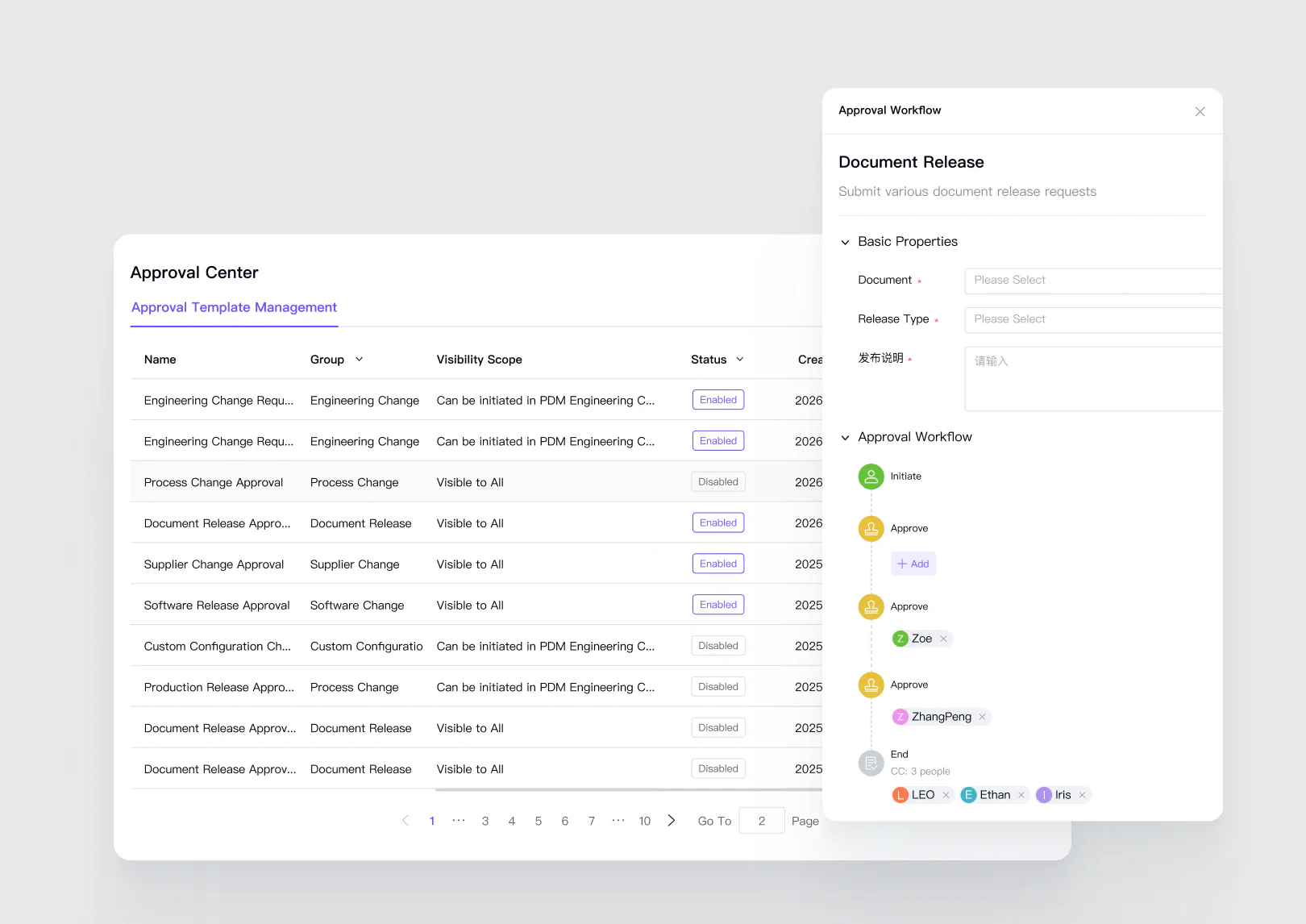
Connect version changes, comments, design reviews, and the current approved model state.
Product record
Teams can see the trusted product state, understand what changed, review the affected context, and release the next version with a visible decision history.
Replace repeated file copies with a current cloud project, automatic saving, version history, controlled access, and review context connected to the design.
Engineering
Project and quality teams
Manufacturing and operations
Common questions
Review product fit, data boundaries, collaboration roles, and the expected engineering handoff before you begin.
Open Help CenterReady when the project is
Connect files, versions, project activity, engineering change, and review decisions in one controlled workspace.