
Access depends on software
Adjacent teams and external partners may not have the original CAD application or workstation.

Online CAD review and collaboration
Review multi-format CAD in the browser and keep engineers, suppliers, clients, and manufacturing teams aligned around the same current 3D design.
Multi-format browser access
Current model context
Distributed design decisions
Workflow friction
Large assemblies, mixed CAD formats, screenshots, and downloaded copies make it difficult for each participant to see the same current state and understand which decision belongs to which version.
Adjacent teams and external partners may not have the original CAD application or workstation.
The component, interface, or measurement under discussion is difficult to isolate in a static export.
Email and meeting notes can remain active after the working design has already changed.
Current-model review
A shared review line makes it easier to understand the model, capture the decision, and return the result to the working design.
Open the model, assembly, or project that needs a decision.
Share the appropriate browser view with each participant.
Inspect geometry and capture feedback in the design context.
Update the working model while preserving the review history.
Review experience
Open the model in the browser, expose the relevant geometry, and keep comments, questions, and updates connected to the current engineering context.
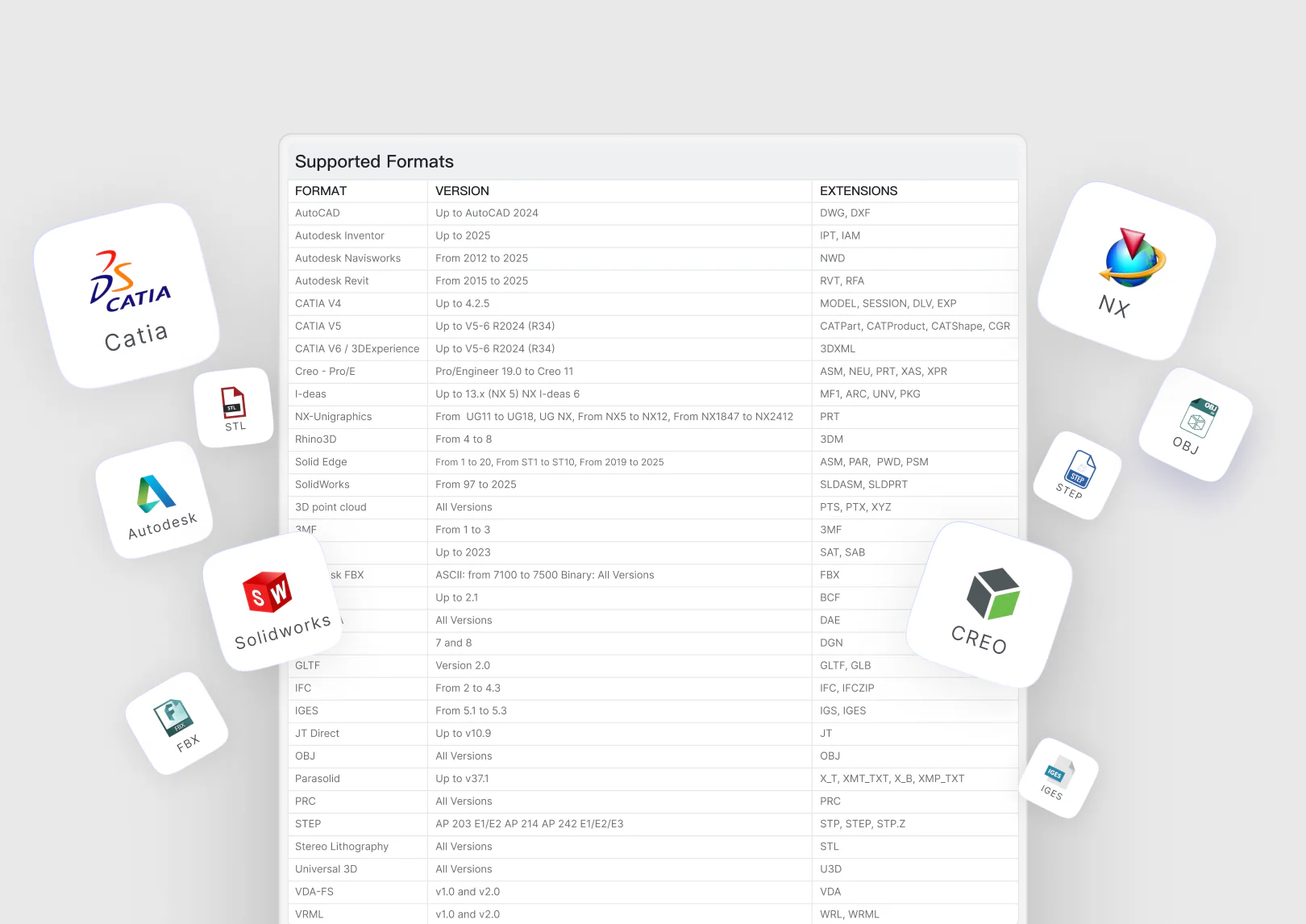
Give reviewers browser access to supported CAD and drawing formats without requiring the original authoring tool.
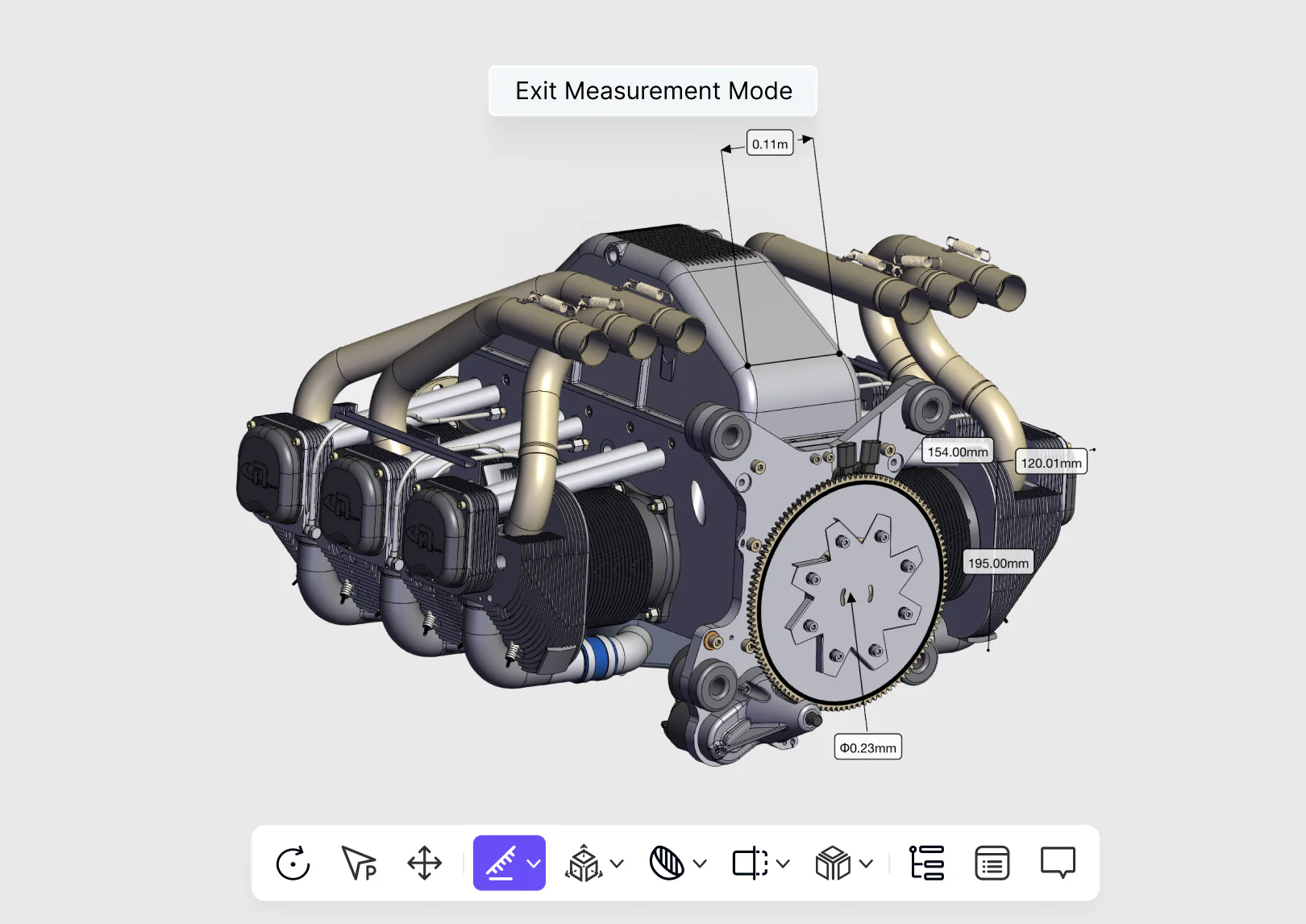
Navigate, isolate, section, compare, and measure the geometry that matters to an engineering decision.
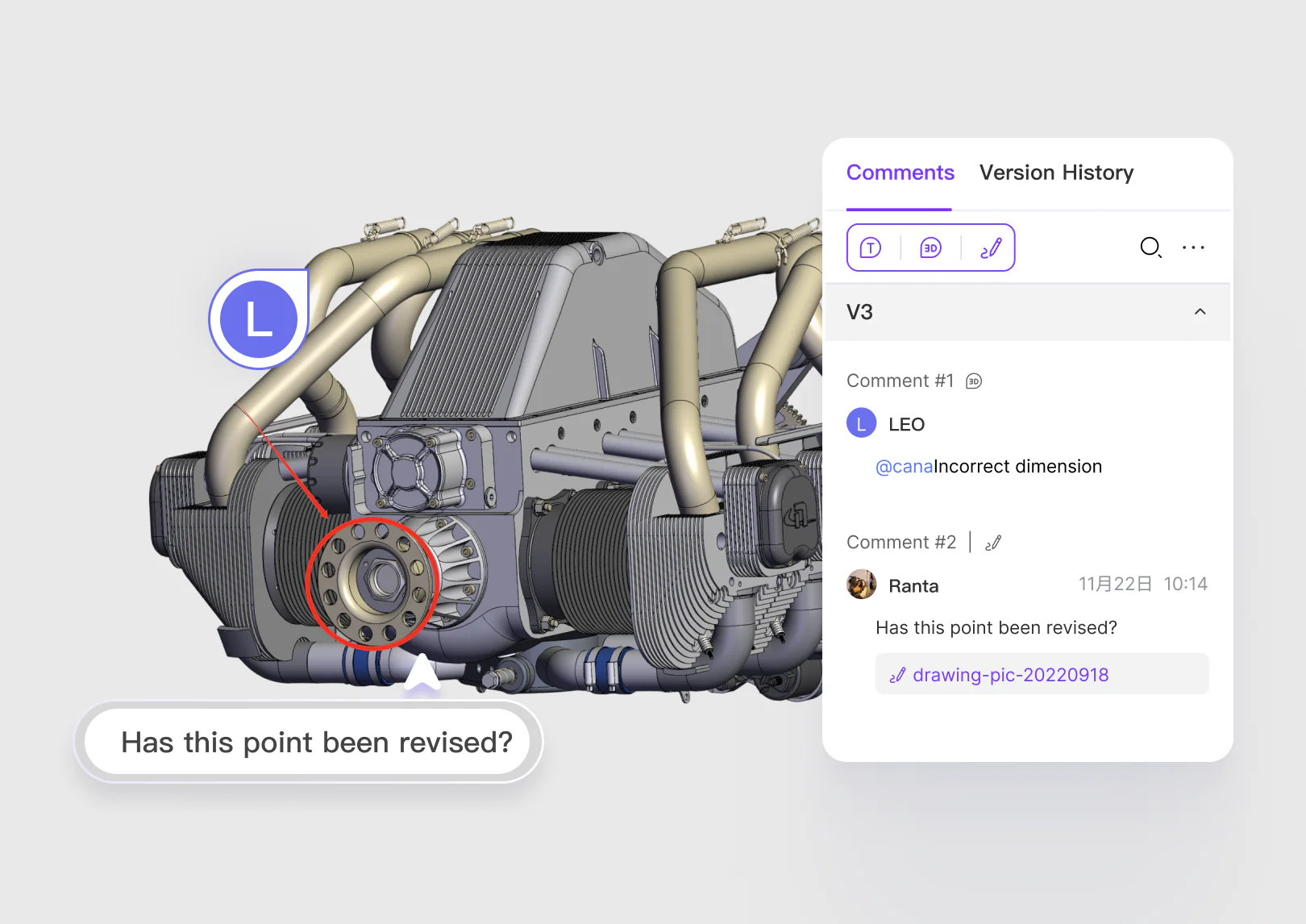
Keep comments, markup, questions, and review status attached to the current model state.
Decision context
Measurements, comments, questions, permissions, and resolved decisions remain attached to the geometry and version under review—not scattered across exported files and meetings.
Open and inspect complex assemblies without the authoring application, share controlled browser access, and connect measurements, comments, decisions, and version context to the model under review.
Design engineering
Clients and suppliers
Manufacturing and delivery
Common questions
Review product fit, data boundaries, collaboration roles, and the expected engineering handoff before you begin.
Open Help CenterReady when the project is
Give internal and external teams a browser-based path to the geometry and decisions that matter.