
High project variation
Every customer or installation changes dimensions, interfaces, guards, tooling, or surrounding equipment.
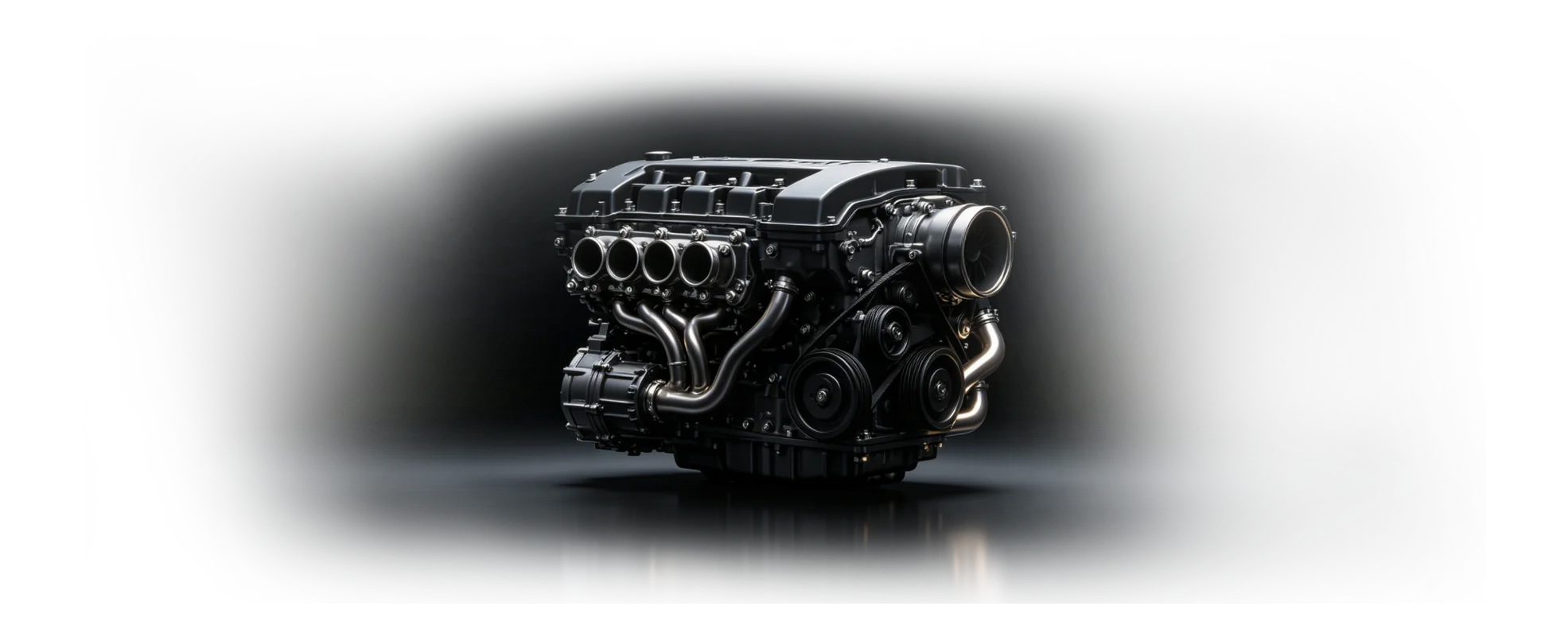
Industrial machine design CAD
Design configurable machines and industrial equipment while connecting fabricated structures, standard parts, assemblies, drawings, and delivery.
Custom equipment
Fabricated structures
Manufacturing documentation
Sector pressures
Machine builders balance one-off requirements with the need to reuse proven structures, communicate changes, and release clear fabrication information.
Every customer or installation changes dimensions, interfaces, guards, tooling, or surrounding equipment.
Machined parts, sheet metal, weldments, and purchased components must work as one assembly.
Drawings, assembly guidance, and review decisions can diverge from the model used by engineering.
Equipment engineering
Keep configurable geometry, fabricated structures, tooling, and manufacturing documentation close to the same product definition.
Architecture to delivery
The most practical rollout connects design and review first, then adds controlled documentation and downstream guidance.
Capture the customer envelope, interfaces, performance intent, and reusable machine architecture.
Build parametric parts, structures, tooling, and assemblies around shared references.
Validate the current model with engineering and manufacturing, then prepare connected drawings.
Export the required data and preserve the editable source for the next project variant.
Evaluation planning
Talk with zCAD.ai about the required workflow, technical boundaries, and a representative project before deciding whether the current products fit your team.
Identify the machine design design or review workflow that should be evaluated first.
Review required CAD capabilities, file formats, access needs, and team roles before an evaluation.
Agree on a representative project and clear evaluation criteria before considering broader adoption.
Common questions
Review product fit, data boundaries, collaboration roles, and the expected engineering handoff before you begin.
Open Help CenterReady when the project is
Connect machine geometry, fabricated structures, drawings, and review in one browser-based engineering line.