
Design control
Requirements, geometry, review feedback, and released documentation need an understandable relationship.
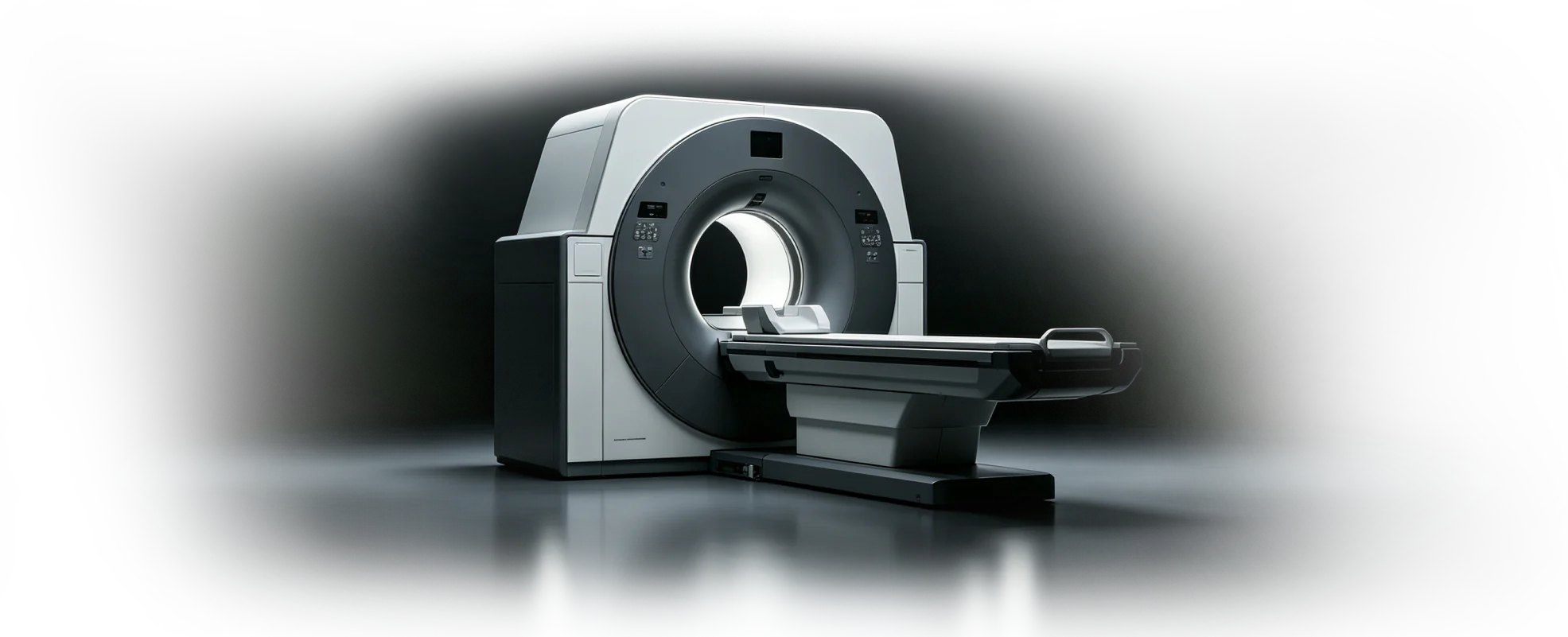
Medical device CAD and design collaboration
Connect precision medical-device design with controlled review, version history, supplier communication, and engineering documentation.
Device enclosures
Precision mechanisms
Review traceability
Sector pressures
Medical and laboratory equipment combines precise mechanical work with service access, documentation, controlled review, and external manufacturing communication.
Requirements, geometry, review feedback, and released documentation need an understandable relationship.
Enclosures and internal mechanisms must account for assembly, inspection, cleaning, and maintenance access.
External partners need the current model and drawing information to discuss fit and manufacturing questions.
Device engineering
Develop enclosures, components, lab equipment, and prototype data while preserving a clearer path from working model to documentation.
Requirements to release
A shared design line helps engineering, quality, and suppliers review the same product definition before release.
Capture the intended use, interfaces, access, mechanism, and manufacturing constraints.
Create enclosures, internal structures, precision parts, and the working assembly.
Inspect the current model with engineering and quality, then prepare connected drawings.
Export supported data for prototype or supplier workflows while preserving the editable source.
Evaluation planning
Talk with zCAD.ai about the required workflow, technical boundaries, and a representative project before deciding whether the current products fit your team.
Identify the medical devices design or review workflow that should be evaluated first.
Review required CAD capabilities, file formats, access needs, and team roles before an evaluation.
Agree on a representative project and clear evaluation criteria before considering broader adoption.
Common questions
Review product fit, data boundaries, collaboration roles, and the expected engineering handoff before you begin.
Open Help CenterReady when the project is
Keep precision components, enclosures, documentation, and supplier communication connected to the working design.